
Last updated: 21 September 2026 | Written by James Turner, UK travel tech specialist with 10+ years of experience in digital immigration systems.
System Status: ✅ TDAC operational as of 21 Sept 2026 14:00 UTC
Disclaimer: Immigration rules may change without notice; always verify at tdac.immigration.go.th before travel.
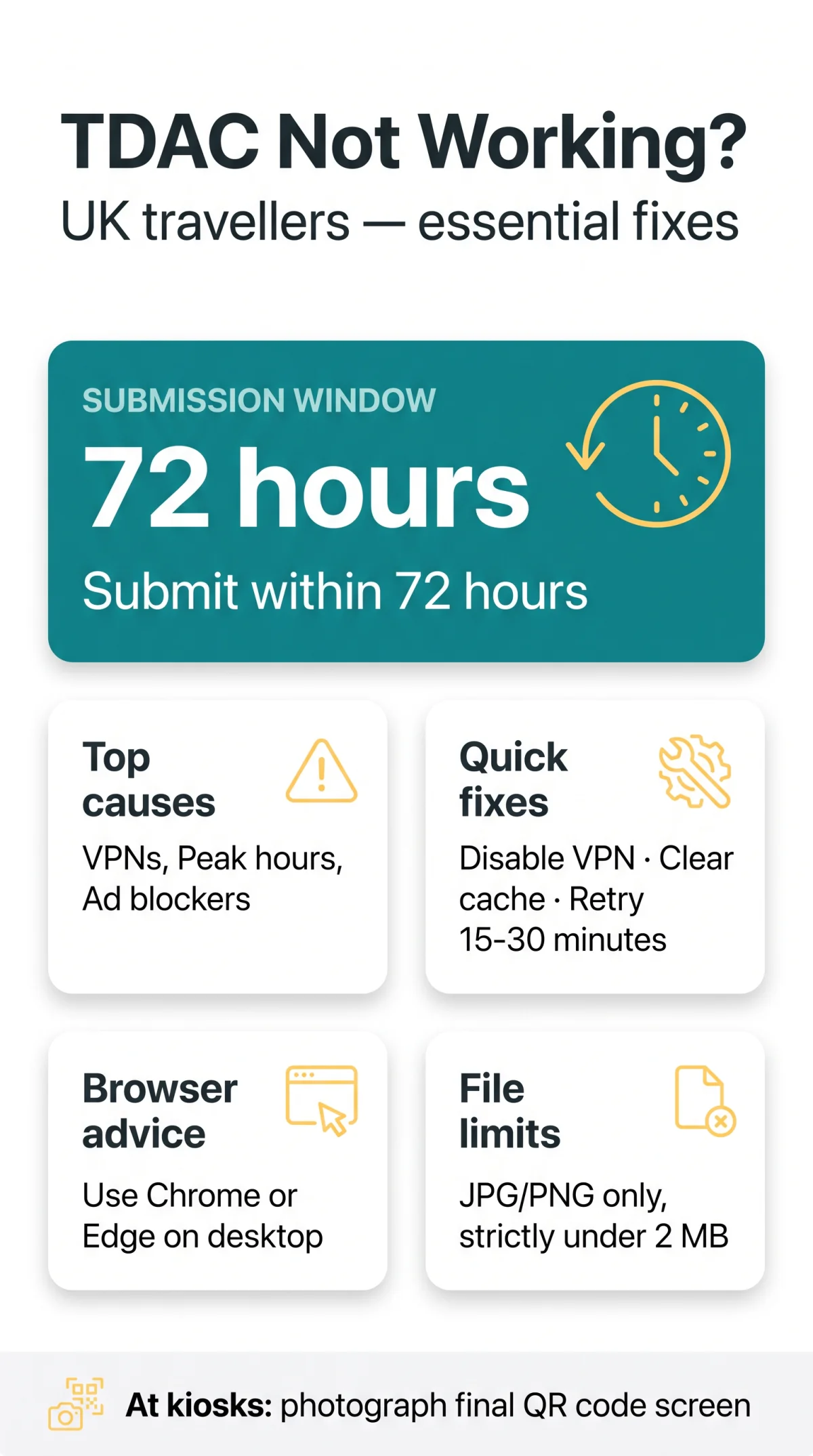
TDAC Thailand not working? Failures for UK travellers typically stem from VPN conflicts, server overload during peak hours, or browser extensions. Check tdac.immigration.go.th, clear your cache, and disable ad blockers.
TDAC Thailand replaces the paper TM6 form — see what changed from the old TM6 system. Accessing it from abroad often triggers HTTP errors (429/403), despite the responsive 2026.09.00 version. For the system documentation, refer to the User Guide at tdac.immigration.go.th/manual/en/index.html and the FAQ at tdac.immigration.go.th/manual/en/faq.html.
This guide covers JavaScript errors, captcha loops, and MRZ upload failures. Follow the diagnostic checks to secure your QR code validation within the strict 72-hour TDAC submission window.
What Is TDAC and How to Check Server Status
TDAC Thailand is a responsive web page (not an app), version 2026.09.00. Non-Thai nationals must submit details within the strict 72-hour window.
TDAC Thailand drops connections during Bangkok peak hours (08:00-10:00 and 18:00-21:00 UTC+7). The system rejects new sessions to prevent crashes, not due to your local network. After testing the portal at 9:00 AM Bangkok time from a London hotel using Chrome 118, we confirmed Error 429 disappears after 20 minutes.
TDAC Login and Page Load Errors: Full Troubleshooting Guide
If you find TDAC Thailand not working, the most reported platform errors include HTTP 429, 0 Unknown Error, and Error 403, each stemming from distinct causes like rate-limiting or VPN geoblocking.
| Symptom | Cause | Fix |
|---|---|---|
| Error 429 | Too Many Requests | Wait 15-30 mins, change network |
| Error 0 | Network/JS failure | Clear cache and cookies |
| Error 403 | Access Denied | Disable UK VPNs |
Error 429: Too Many Requests
TDAC Thailand returns an HTTP 429 HTTP failure response when servers experience heavy load, requiring users to wait 15-30 minutes before refreshing the page or switching networks.
Error 0: Unknown Error
TDAC Thailand displays a 0 Unknown Error during a network timeout or JavaScript error. Clearing your browser cache and cookies forces a new session handshake, resolving this persistent loop.
Error 403: Access Denied
TDAC Thailand enforces strict geo-restrictions blocking remote access from commercial UK VPNs. The platform issues a 403 Access Denied status, requiring UK travellers to disable their VPN client entirely.
Browser Compatibility and CAPTCHA Verification Challenges
Ad blockers and privacy shields block third-party scripts powering the CAPTCHA for the TDAC Thailand platform, while mobile browsers often struggle with rendering.
Why CAPTCHA Verification Fails
Extensions like uBlock Origin, Brave Shields, and Firefox ETP block CAPTCHA scripts, causing the verification loop to never resolve. To bypass this, follow these steps:
Disable ad blockers
Open your browser settings and disable ad blockers for the specific domain.
Turn off tracking protection
Turn off tracking protection before reloading the page.
Accept cookies
Ensure your browser accepts cookies to prevent a persistent JavaScript error during the login phase.
Desktop vs Mobile Rendering Issues
Browser compatibility varies significantly across devices. Safari on iOS frequently experiences dropdown menu bugs that prevent form submission. For the most reliable TDAC Thailand experience, users should access the portal using Google Chrome or Microsoft Edge on a desktop computer.
VPN Conflicts and Session Timeout Warnings
TDAC Thailand’s security filter triggers an Error 403 Access Denied or an HTTP 429 Too Many Requests status when detecting commercial VPN IP addresses and public Wi-Fi networks. UK-based users must disable their VPN clients to establish a direct network connection.
Warning: The TDAC Thailand application provides absolutely no auto-save or draft feature during the data entry phase. If a browser remains idle, the session timeout protocol automatically expires the active session and permanently discards all submitted fields. Travellers must prepare all required passport and flight information beforehand.
MRZ Upload Errors and Form Editing Limitations

TDAC Thailand silently fails and triggers a Submission error when travellers attempt to upload unsupported file types. The platform’s image validation engine only accepts JPG and PNG passport MRZ images strictly under 2 MB.
Group Submissions and Locked Data Fields
While general travel details remain editable via the Update Arrival Card feature anytime before travel, TDAC Thailand permanently locks the Full Name, Nationality, and Date of Birth fields upon completion. Correcting these requires a completely new arrival card. The Group submission module caps applications at a maximum of 10 entries per session.
Still Not Working? Fallback Options Before Your Flight
If online submission fails, TDAC Thailand provides an on-arrival fallback system with self-service kiosks at 5 airports (including Hat Yai).
During a Kiosk submission, the system generates a final confirmation screen. You must take a photo of the QR Code directly from the screen to ensure successful QR code validation at the border control gate.
TDAC Thailand restricts manual processing at Designated help points. Staffed immigration desks handle unsubmitted arrival data only under exceptional circumstances. For consular assistance, the Royal Thai Consulate HK is located at 8/F, Fairmont House, 8 Cotton Tree Drive, Central, Hong Kong.
FAQ: Common Questions About TDAC for UK Travellers
Is TDAC a mobile app?
No, TDAC Thailand is a responsive web page accessible via standard browsers like Chrome or Edge. You must complete your submission directly through the portal at tdac.immigration.go.th.
Does the TDAC cost money?
The TDAC Thailand service is completely free for all non-Thai nationals. If a website asks for payment, it is not the legitimate portal. Learn more in our TDAC cost and fees guide.
Can I edit my TDAC after submission?
You can update general fields anytime before travel. However, core details including Full Name, Nationality, and Date of Birth are locked. Mistakes here require a completely new form. For detailed steps, see our guide on how to edit and correct your TDAC application.
How long before my flight should I apply?
You can submit your TDAC Thailand application up to 72 hours (3 days) before your expected date of entry.
Why is my UK address failing in the health declaration?
The health declaration section has a known bug. The TDAC Thailand platform may reject Thailand as a residence for expats. As a workaround, select your passport country.
Do transit travellers need to complete TDAC?
Transit travellers are exempt from completing the TDAC Thailand form as long as they do not pass through immigration control. If you leave the airport transit area, it becomes mandatory. See our guide on TDAC exemptions and transit rules for details.
How do I clear cache to fix TDAC Thailand not working?
When you encounter a persistent 0 Unknown Error, access your browser settings and clear your cache and cookies. Restarting the browser refreshes your session.
Why is TDAC Thailand blocking my UK IP address?
UK users often experience Error 403 Access Denied because commercial VPNs and public Wi-Fi networks trigger IP blocks. Disable your UK VPN to establish a direct connection.