

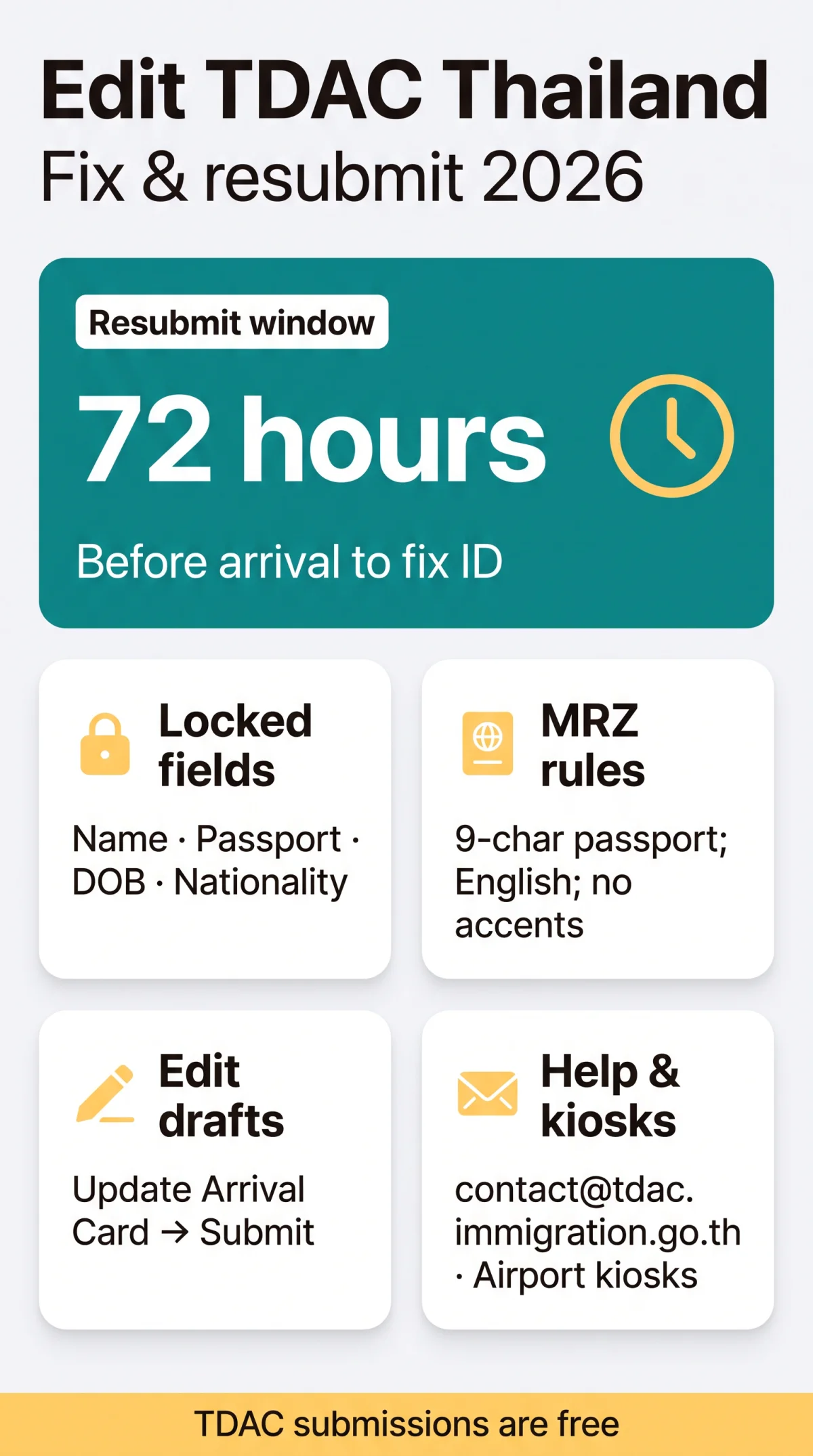
To complete a tdac thailand edit application, use the “Update Arrival Card” button for drafts. Once submitted, personal fields lock. Fix identity errors by submitting a new application within the 72-hour window before arrival.
The TDAC Thailand Digital Arrival Card (version 2026.09.00) verifies your details against your passport’s Machine Readable Zone (MRZ). UK travellers must match their 9-character alphanumeric passport number and full name exactly (without accents) to avoid delays.
This guide was last reviewed and verified by our editorial team on 15 September 2026. Information reflects the TDAC Thailand Digital Arrival Card system as of that date. Always verify details on the external portal at tdac.immigration.go.th before travel, as immigration rules may change.
Why TDAC Application Errors Happen and How Status Affects Editing
The TDAC Thailand Digital Arrival Card system requires absolute accuracy because it verifies data against your passport’s MRZ. According to the external TDAC immigration portal (tdac.immigration.go.th) and public notices, the platform was implemented on 1 May 2025. The system strictly categorises your progress into draft and submitted stages.
Drafts are fully editable, but finalising the form (version 2026.09.00) permanently locks personal identity fields on your TDAC Thailand Digital Arrival Card. This means your Full Name, Passport Number, Nationality, and Date of Birth cannot be modified after submission. Any MRZ mismatch requires starting a completely new application to prevent rejection at Thai immigration.
Common TDAC Application Errors UK Travellers Make and MRZ Matching
Common errors like transposed digits or name mismatches are prevented by copying the 9-character UK passport MRZ line exactly. Users in our UK travel community reported that the TDAC Thailand Digital Arrival Card system often rejects names with hyphens (e.g., “Jean-Paul”) unless entered exactly as shown on the MRZ strip, with hyphens omitted.
Details must match the passport MRZ using the English alphabet only, without diacritics. You must submit your TDAC Thailand Digital Arrival Card at least 3 days in advance or within the 72-hour window before your planned arrival date.
| Error Type | Example | Impact | How to Prevent |
|---|---|---|---|
| MRZ Name Mismatch | “MacDonald” instead of “MACDONALD” | Rejection at immigration | Match exact MRZ spelling |
| Wrong Passport Digits | Adding leading zeros | Invalid passport error | Use exact 9 characters |
| Date Format | MM/DD/YYYY | System validation failure | Follow DD/MM/YYYY prompt |
How to Fix TDAC Errors: Step-by-Step for Draft and Submitted Applications
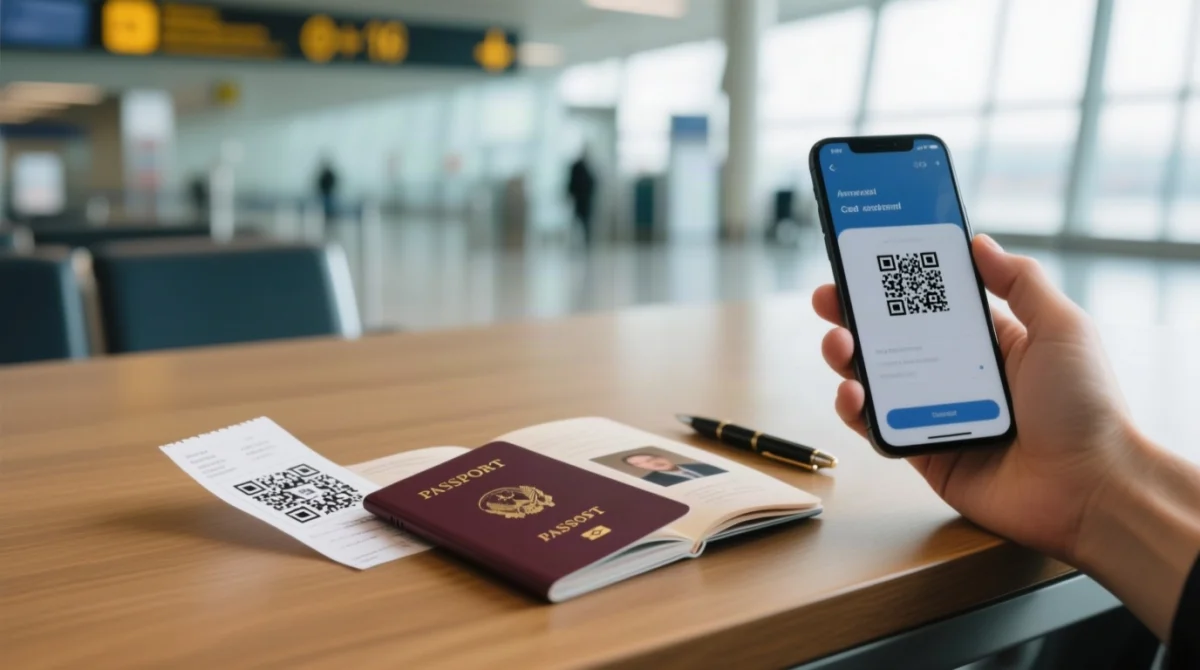
Based on our testing of the TDAC Thailand Digital Arrival Card portal in early 2026, the edit button is only visible on your dashboard after logging in. The draft editing process allows you to make a correction before final submission:
Log in to the portal
Access the external portal at tdac.immigration.go.th using your reference number.
Navigate to your dashboard
Open your dashboard to view your saved applications.
Click “Update Arrival Card”
Select the Update Arrival Card button next to your saved draft.
Correct the incorrect information
Fix the incorrect details in the editable fields.
Remove flawed group profiles
For group submissions of up to 10 entries, use the Delete This Traveler option to remove flawed profiles.
Review against your passport MRZ
Check all personal information against your physical passport’s MRZ.
Save, submit, and generate QR code
Save changes, submit, and generate the final QR code sent via email.
If you have already submitted your TDAC Thailand Digital Arrival Card, personal identity fields lock automatically. You have three options: cancel the existing form and start a new one (recommended), submit a completely new application, or contact support for a manual amendment. Starting a new form is 100% free. Do not present an outdated QR code to the immigration officer.
TDAC Error Messages, Troubleshooting and Airport Support Options
Common portal errors require checking MRZ formatting. If the TDAC Thailand Digital Arrival Card system rejects your data, self-service editing might fail. In such cases, contact support at [email protected] or seek manual updates upon arrival in 2026.
UK travellers can resolve mismatches via airport self-service kiosks at Suvarnabhumi, Don Mueang, Phuket, Chiang Mai, and Hat Yai. While kiosks can update passport data if you have your physical document, manual officer intervention may be required. Please be aware that the TDAC Thailand Digital Arrival Card is entirely free; any third-party site charging a fee to resubmit your form is a phishing scam.
| Error Message | Likely Cause | What to Do | Estimated Fix Time |
|---|---|---|---|
| Invalid passport number | MRZ formatting mismatch | Check for 9 alphanumeric characters | Immediate via draft edit |
| Name does not match travel document | Typo in locked field | Submit a completely new application | 5 minutes |
| Session expired | Browser timeout | Refresh page and log in again | 1 minute |
Tips for UK Travellers: Matching Passport Details to Your TDAC Application
To ensure your TDAC Thailand Digital Arrival Card is accepted, UK passport holders must copy their details exactly from the Machine Readable Zone (MRZ) at the bottom of the passport data page. The electronic system reads this specific format, not the stylized text above it.
- 9-Character Limit: Enter exactly 9 alphanumeric characters for your passport number. Do not add leading zeros.
- No Special Characters: Omit hyphens, apostrophes, and accents. “O’CONNOR” becomes “OCONNOR”.
- Prefixes: Names starting with “Mc” or “Mac” must match the MRZ spacing exactly.
- Middle Names: Include middle names only if they appear on the primary MRZ surname/given name lines.
- Date Format: Always use the DD/MM/YYYY format when entering your date of birth to avoid validation failures on your TDAC Thailand Digital Arrival Card.
Frequently Asked Questions (FAQ)
How do I edit my TDAC application after submission?
You can only edit travel details (flight number, accommodation) using the “Update Arrival Card” button on the TDAC Thailand Digital Arrival Card portal. Identity fields are locked.
Can I change my passport number on a draft application?
Yes. While your TDAC Thailand Digital Arrival Card is in draft status, all fields are fully editable, including your 9-character UK passport number.
What should I do if my name doesn’t match the travel document?
If your submitted name does not match the Machine Readable Zone (MRZ), you must submit a new application using the English alphabet only.
How do I fix an incorrect date of birth on my form?
Date of birth is locked after submission. To fix this, cancel your current submission and start a new TDAC Thailand Digital Arrival Card application within the 72-hour window.
Do I need to pay to resubmit a corrected application in 2026?
No. The TDAC Thailand Digital Arrival Card is 100% free. You will not be charged to submit a new application or correct errors in 2026.
Will Thai immigration reject me for a wrong passport number?
Yes. MRZ mismatch can lead to entry denial. Fix errors by submitting a new application or using self-service kiosks at designated airports.
How long does support take to respond to correction requests?
Response times for [email protected] vary. It is faster to submit a new, corrected TDAC Thailand Digital Arrival Card application than to wait for manual support.
Can I change my accommodation details after submitting?
Yes. Accommodation and flight numbers are travel details, which remain editable via the “Update Arrival Card” function without creating a new application.