

Author: Mark Davies, Southeast Asia Travel Editor. Based on Thai Immigration Bureau updates, IATA (Timatic) guidelines, and UK-Thailand airline practices. Verified: 15 June 2026.
Last verified: 15 June 2026. TDAC rules may change – check current guidelines on the external portal before travel.
Historical context: The TDAC system replaced the paper TM6 form in 2025. By 2026, the TDAC Thailand QR code is mandatory for all foreign arrivals. For a deeper look at what changed, see our comparison of TDAC vs TM6 in Thailand.
Do You Need to Print the TDAC QR Code?
You do not strictly need to print your TDAC Thailand QR code. Thai immigration accepts a digital TDAC Thailand QR code on smartphones at both manual booths and ABC e-gates at BKK and DMK airports. However, a colour printed backup is recommended because some UK airlines may ask for it at check-in, and a dead battery leaves you without access.
Traveller experiences (June 2026): UK tourists report that e-gates at BKK accept codes from phones with maximum brightness. One traveller with a cracked screen was redirected to a manual booth. Others confirm airlines like TUI and Jet2 requested the code at Manchester check-in.
How the TDAC Thailand QR Code Works
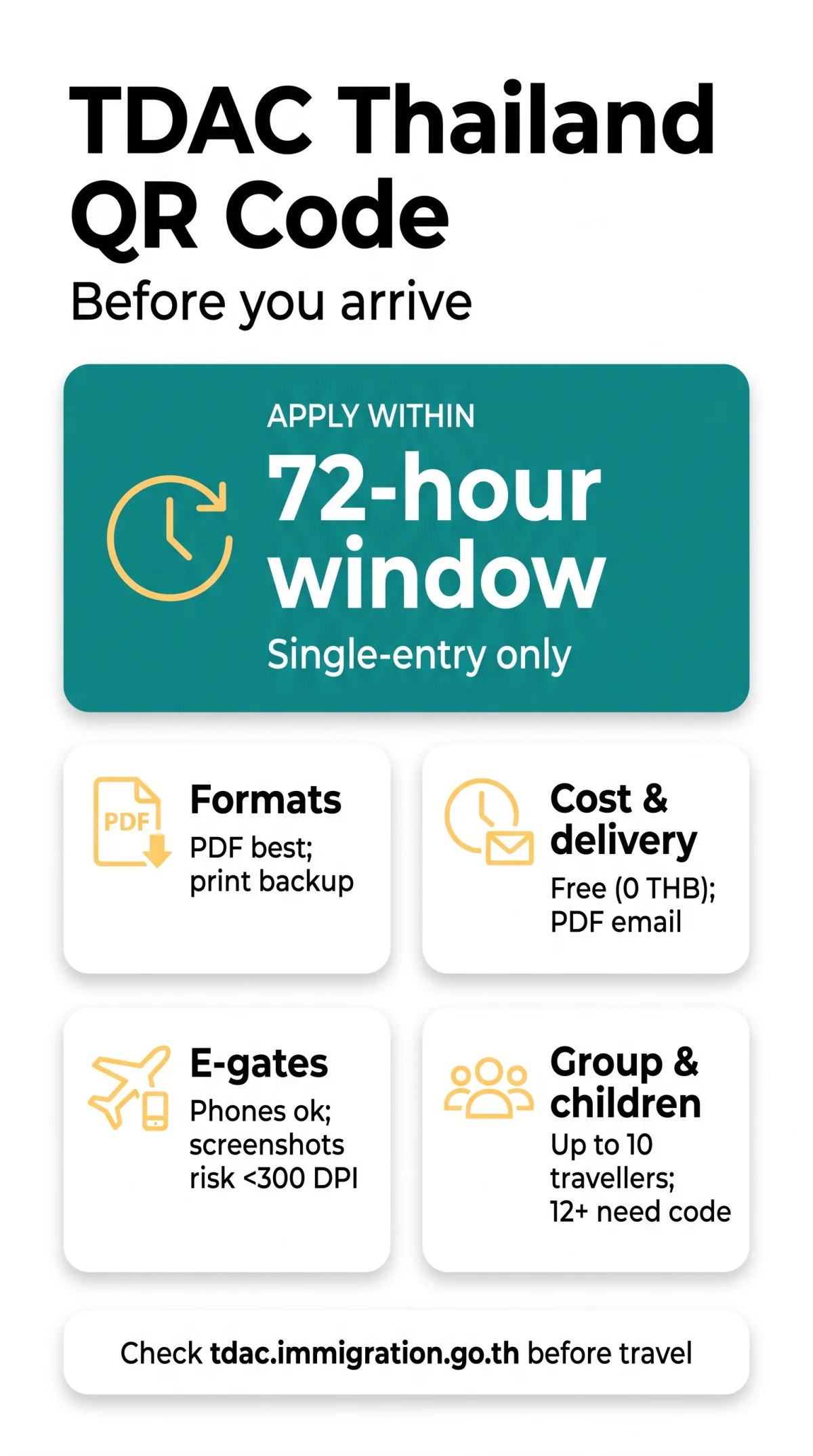
The TDAC Thailand QR code is generated via the external portal (tdac.immigration.go.th) within a strict 72-hour window of arrival, is completely free (0 THB), and stores your details and flight info as a unique reference number for immigration scanning. It remains valid for a single entry. For more detail on timing, read our guide to TDAC Thailand processing time and the 72-hour rule.
Your TDAC Thailand QR code is sent as a PDF attachment within minutes in a confirmation email. This email contains a unique TDAC reference number used for retrieval if the code is lost.
Phone vs Print vs Screenshot vs PDF – Which Format Is Best?
Presenting your TDAC Thailand QR code as a PDF ensures high resolution for scanning, while a colour print protects against battery failure. Screenshots risk pixelation and may fail at ABC gates. The TDAC Thailand QR code cannot be added to Apple or Google Wallet (no.pkpass). Save the PDF to your Files or Notes app for offline access. A printout is recommended as some UK airlines may ask for it at check-in.
| Format | Pros | Cons | Best For |
|---|---|---|---|
| Live Email | Always up to date | Requires data roaming or Wi-Fi | Last resort |
| Preserves high resolution | Requires saving to a specific folder | Primary digital presentation | |
| Screenshot | Quick offline access | Risk of scan failure if resolution < 300 DPI | Quick access if PDF fails |
| Immune to battery or screen failure | Requires carrying physical paper | Ultimate offline backup |
What to Show at Thai Immigration and E-Gates
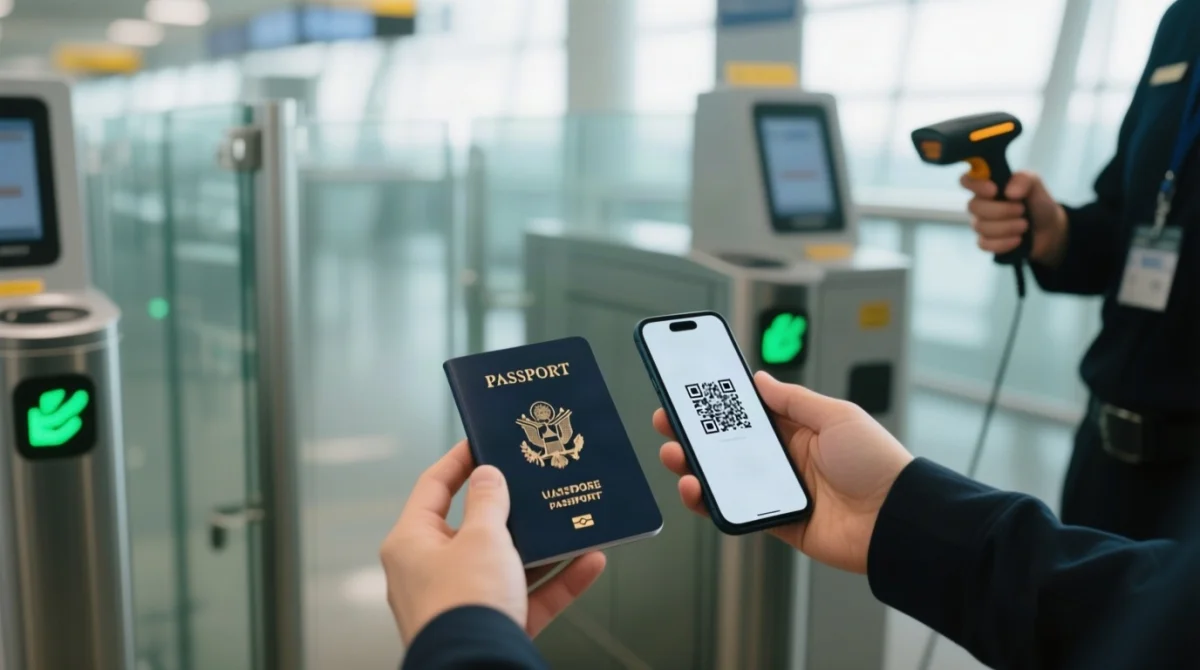
At the immigration booth or e-gate, present your passport and TDAC Thailand QR code for a QR code scan by the officer or automated kiosk.
Approach passport control or ABC gates
Use standard booths or Automated Border Control (ABC) gates at Suvarnabhumi (BKK) and Don Mueang (DMK) airports.
Scan your QR code with your passport
Officers use handheld devices; ABC gates use facial recognition and MRZ scanning (15-30 seconds).
Proceed to a manual booth if rejected
If the ABC gate rejects you, go to a manual booth – no penalty.
Group submissions: one device for all
The group leader can swipe through multiple codes on one device. A group submission covers up to 10 travellers. Learn more about TDAC group vs individual applications.
Children 12+ need their own code
Children aged 12 and above require a separate submission and must have their own code ready. See our full TDAC Thailand children requirements guide for details.
TDAC QR Code Problems: Scanning Failures and Lost Codes
Fixing Physical Scanning Issues
- Before the booth: disable dark mode, set max brightness, remove privacy screen protectors.
- If the screen is cracked, the TDAC Thailand QR code might fail to scan; use a printed backup.
Handling Lost Codes and Typos
- If your phone dies, use free Wi-Fi at BKK/DMK to retrieve the email on another device, or complete a new submission at on-site kiosks.
- If your TDAC Thailand QR code is lost, check your spam folder first; if not found, use your reference number at tdac.immigration.go.th to re-download.
- Fix passport name mismatches using the “Update Arrival Card” feature before reaching passport control. For step-by-step instructions, see our guide on how to edit your TDAC Thailand application.
FAQ: TDAC Thailand QR Code
Does the TDAC Thailand QR code expire before my flight?
Generate within a 72-hour window; valid for a single entry. It will not expire if applied within this timeframe.
What happens if my phone dies before Thai immigration?
Use free Wi-Fi at BKK/DMK to retrieve your email on another device or re-submit at airport kiosks.
Can I add the TDAC QR code to Apple Wallet or Google Wallet?
No, it lacks.pkpass support. Save the PDF attachment directly to your smartphone’s Files or Notes app.
Do children need their own printed TDAC QR code?
Under 12 – included in a parent’s group submission (max 10). 12 and above – require a separate code.
Will a screenshot of the TDAC QR code work at e-gates?
Yes, but a screenshot risks pixelation causing scan failures. Saving the original PDF ensures high resolution.
Do I need to print the TDAC QR code in colour or black and white?
Monochrome is accepted, but a colour printed backup is recommended for maximum contrast during scanning.
What if my name on the TDAC QR code does not match my passport?
Use the “Update Arrival Card” feature on the external portal before reaching immigration. Corrections are free.
Will airlines ask to see my TDAC QR code at UK check-in?
Some UK airlines may ask for it at check-in – have your PDF or print ready.
What happens if I show a screenshot of the TDAC QR code instead of a PDF?
It may fail at ABC gates if the resolution is under 300 DPI. A PDF is safer.
Is the TDAC Thailand QR code the same as my boarding pass?
No. The TDAC Thailand QR code is a separate immigration document replacing the TM6 form.
Disclaimer: This article is for informational purposes. Entry rules to Thailand can change. Always verify requirements at tdac.immigration.go.th before departure.