
Published: 15 March 2026 | Last updated: 10 September 2026
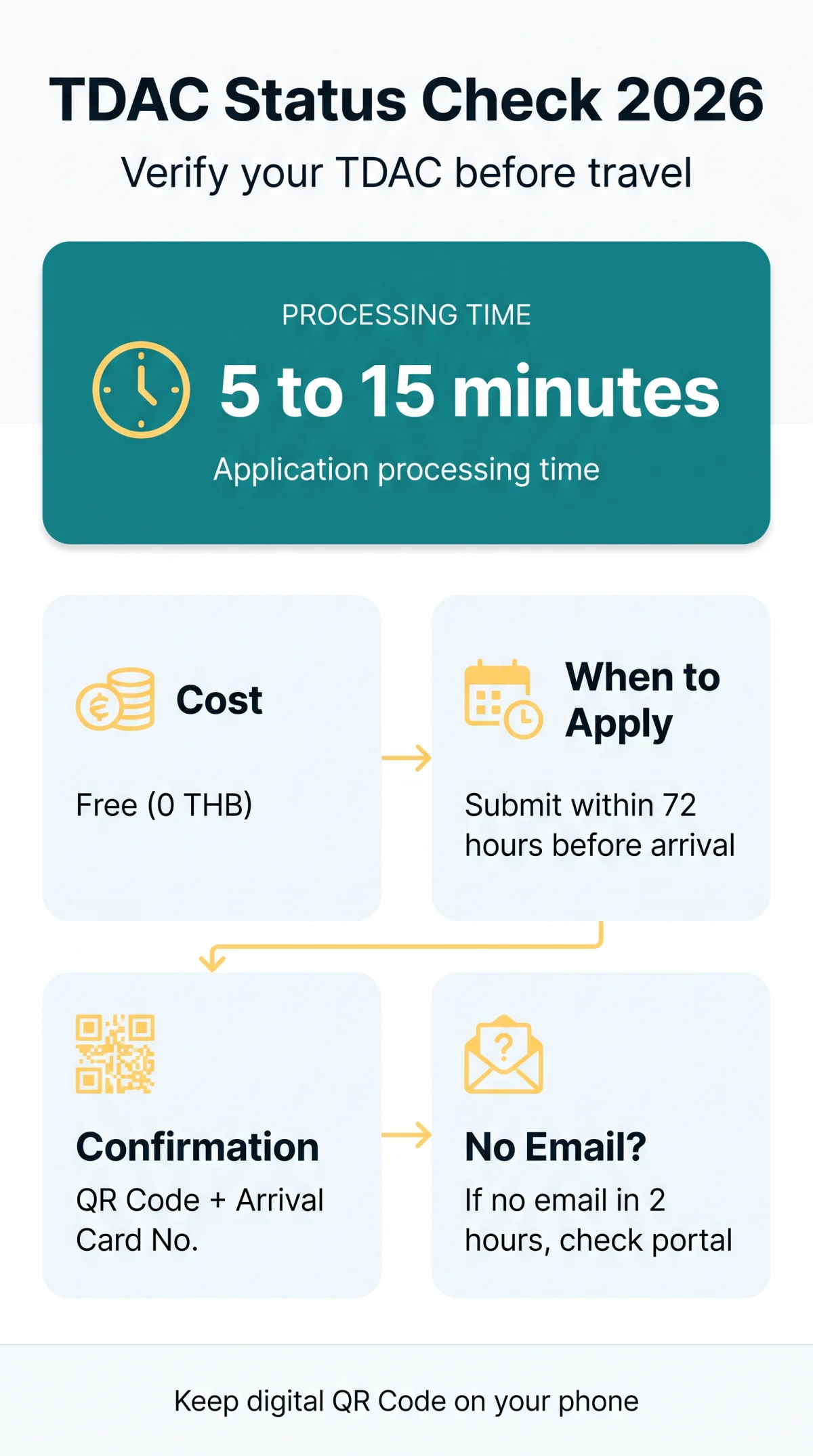
Performing a tdac thailand status check ensures your Thailand Digital Arrival Card (TDAC) is ready for your 2026 trip. The application is free (0 THB) and typically processes within 5 to 15 minutes. You can verify your submission directly on the portal using your passport details.
If no email from @immigration.go.th arrives within 2 hours, check your status on the portal. A valid proof of submission includes a QR Code and an Arrival Card No. sent from the government domain.
What Is the TDAC and Who Needs One?
The Thailand Digital Arrival Card (TDAC) is a mandatory, free (0 THB) requirement for all non-Thai nationals entering Thailand in 2026. It is not a visa, works alongside the UK Visa Exemption, and must be submitted within 3 days (up to 72 hours) before arrival.
According to the Immigration Bureau announcement No. 2568/2025, the TDAC must be submitted no earlier than 72 hours before arrival (source: https://tdac.immigration.go.th/announcement.pdf).
How to Check Your TDAC Application Status Online
A status of ‘Accepted’ means you are ready; ‘Pending’ or ‘Rejected’ means you must wait or resubmit. Running a tdac thailand status check takes just 3 to 5 minutes to complete online.
Visit the government portal
Go to tdac.immigration.go.th
Click “Check Status”
Select “Check Status” or “Update Arrival Card” on the homepage
Enter passport details
Provide your passport number and select your nationality to view your status
What Does an Approved TDAC Confirmation Look Like?
An accepted TDAC application status sends a confirmation email from @immigration.go.th with your passport and flight details. The document includes:
- QR Code: Scanned directly at the entry checkpoint.
- Arrival Card No. / reference key: An alphanumeric code unique to your submission.
- Validity period: Valid from the time of submission until your arrival in Thailand for one-time use.
- Security string and header: System identifiers designed to distinguish the document from fake commercial emails.
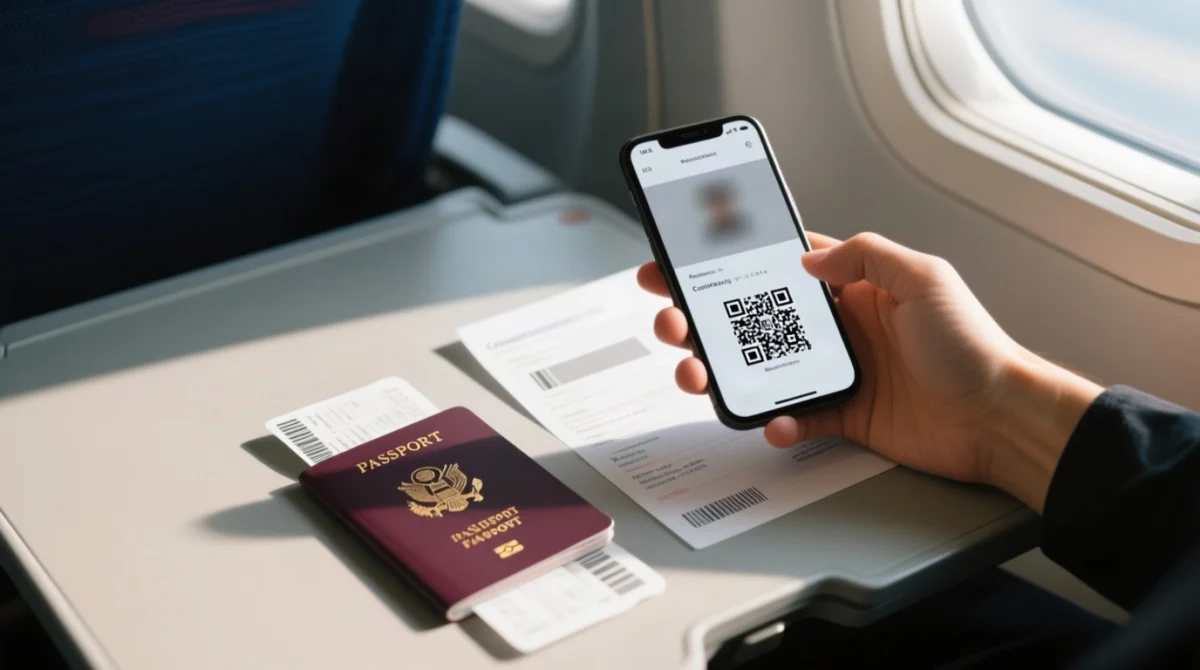
A digital display of this document on your smartphone is fully accepted as proof of submission; printing is an optional backup for your 2026 travel.
Pending, Accepted, or Rejected: What Each Status Means
Pending means processing, accepted confirms your QR code is ready, and rejected requires re-submission.
What Does Pending Mean?
Pending means processing (5 to 15 minutes). During our own test in January 2026, the status changed from ‘Pending’ to ‘Accepted’ in exactly 8 minutes. We recommend checking your spam folder first, as Gmail flagged the @immigration.go.th email as suspicious.
What Accepted Confirms
An accepted TDAC application status means the system has generated your QR code. You must verify that your flight data and passport details exactly match this digital confirmation.
Why Applications Get Rejected
Rejected means you must resubmit with corrected details, as there is no appeal process. Rejection occurs due to an invalid passport format, name mismatch, unrecognized flight number, missing Ministry of Public Health health declaration, or a blacklist flag. Incorrect entries in non-updatable fields like Name, Date of Birth, or Nationality always require a fresh submission.
What to Do If You Haven’t Received Confirmation
If no confirmation arrives within two hours, perform a TDAC Thailand status check before resubmitting.
Check your junk folder
Look specifically for the sender domain @immigration.go.th.
Search your inbox
Search for the term “TDAC”.
Verify online on the portal
Check directly on the Immigration Bureau portal using your passport details.
Submit a new form
If no record exists, submit a new form. The system ensures only the most recent submission is valid.
Use an arrival Kiosk
Currently available at 5 airports including Hat Yai, if online methods fail.
Pre-arrival help:
Royal Thai Embassy, London29-30 Queen’s Gate, London, SW7 5JB
Telephone: +44 (0) 207 589 2944
Common Questions About TDAC Status Checks (FAQ)
How long does a TDAC Thailand status check take to update?
Status updates in 5 to 15 minutes. If still pending after 2 hours, check your spam folder for @immigration.go.th before resubmitting.
Do I need to print my TDAC confirmation for Thailand?
No. A digital display of your approved QR Code on your mobile phone is fully accepted. Printing is just a reliable backup.
What should I do if my flight details change after TDAC approval?
Your approved Thailand Digital Arrival Card is valid only for the specific entry date and flight. If details change, submit a completely new application.
Is the 20,000 baht proof of funds a TDAC fee?
No. The TDAC application is completely free (0 THB). The 20,000 baht is a separate immigration entry requirement proving sufficient funds.
Can I update my name or nationality on an approved TDAC?
No. Name, Date of Birth, and Nationality are non-updatable fields. You must complete a completely new submission.
Will airlines check my TDAC status at the UK departure gate?
Yes. Airline staff verify your Thailand Digital Arrival Card status via API sync or by manually scanning your QR Code before boarding.
What happens if the TDAC portal shows a 429 OK error?
The 429 OK error is documented in the Immigration Bureau technical FAQ. According to their support team, refreshing the page resolves the issue in 90% of cases.
Can I submit a TDAC application for a group of travellers?
Yes. The group submission feature supports up to 10 travellers per single submission. Expect 3 to 5 minutes per person.
How can I track my TDAC by reference number?
Visit the portal and select “Check Status”. Enter your alphanumeric Arrival Card No. (reference key) instead of passport details to view your current status.
Is a pending status normal right before my flight?
Yes, but risky. If your status is still pending 2 hours before departure, submit a new application immediately. The system will overwrite previous data.
This guide is published by Thailand Travel Info, an independent portal for UK tourists. We are not affiliated with the Royal Thai Government. All information is verified against official sources as of September 2026.